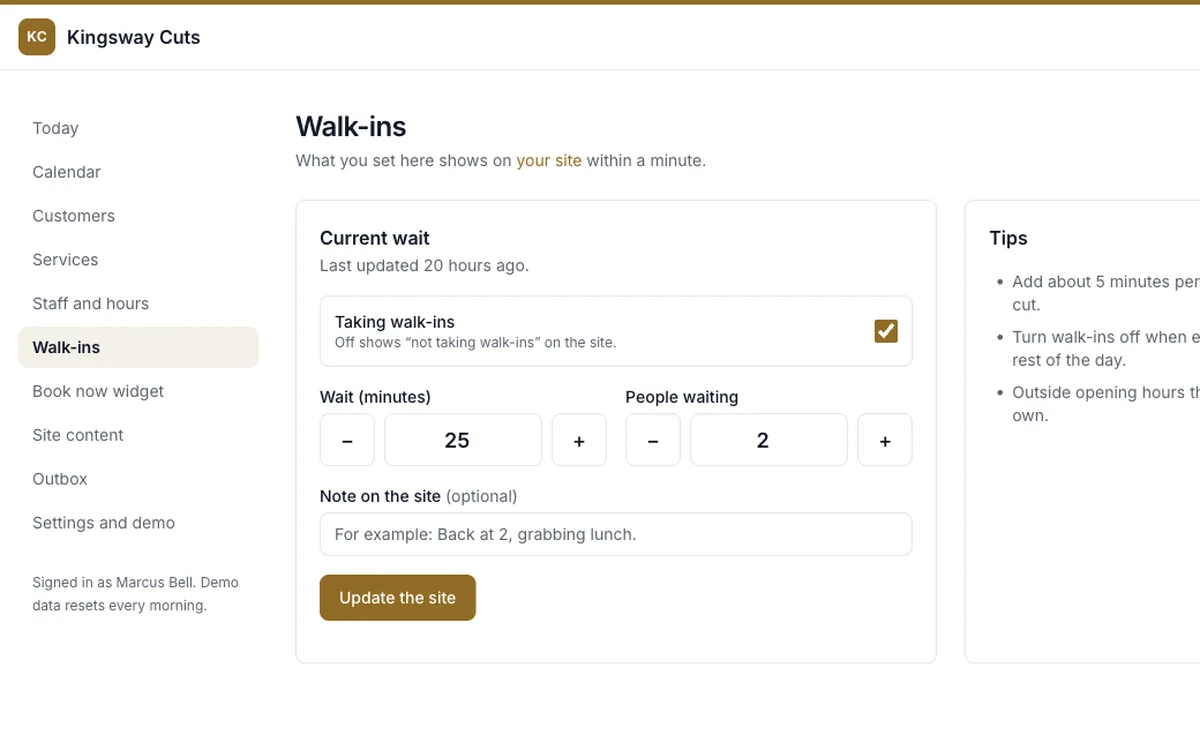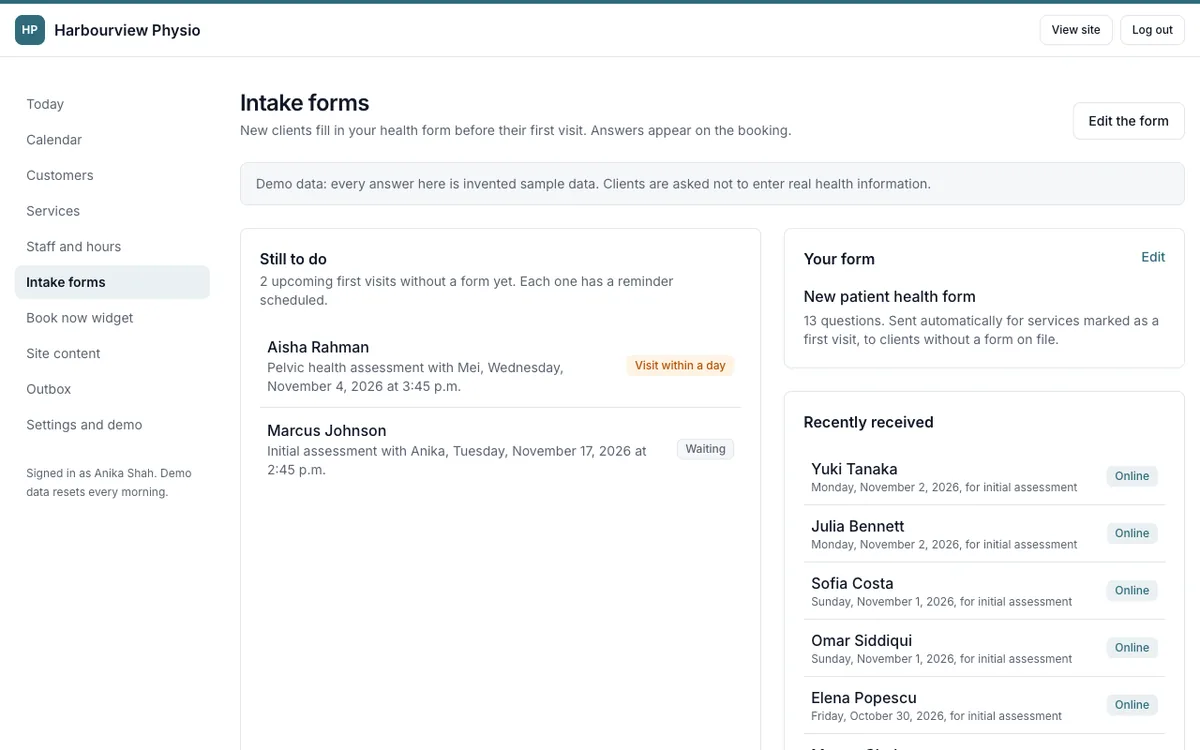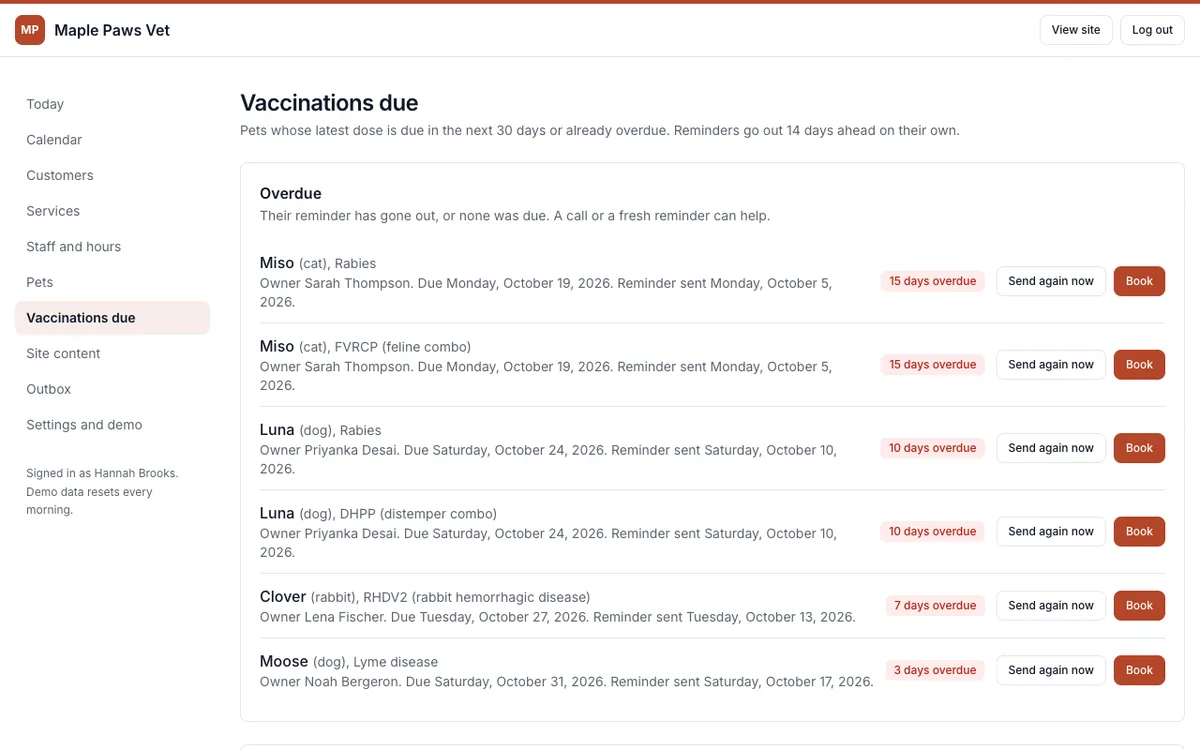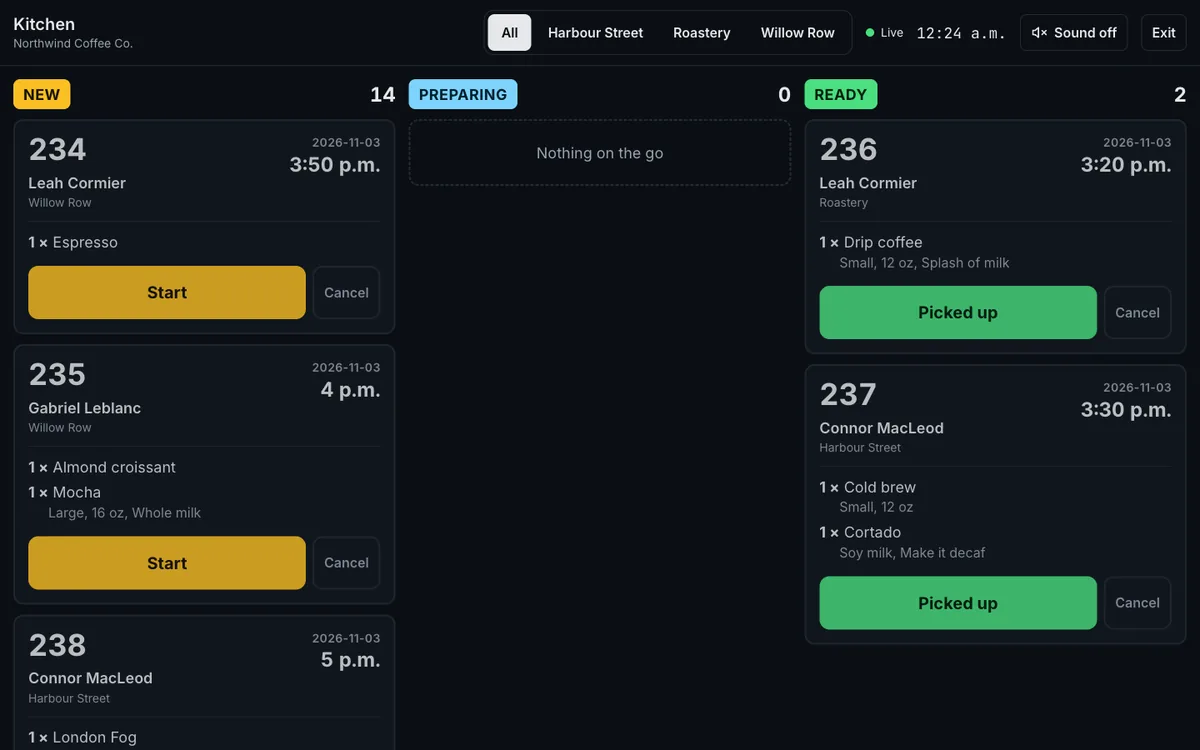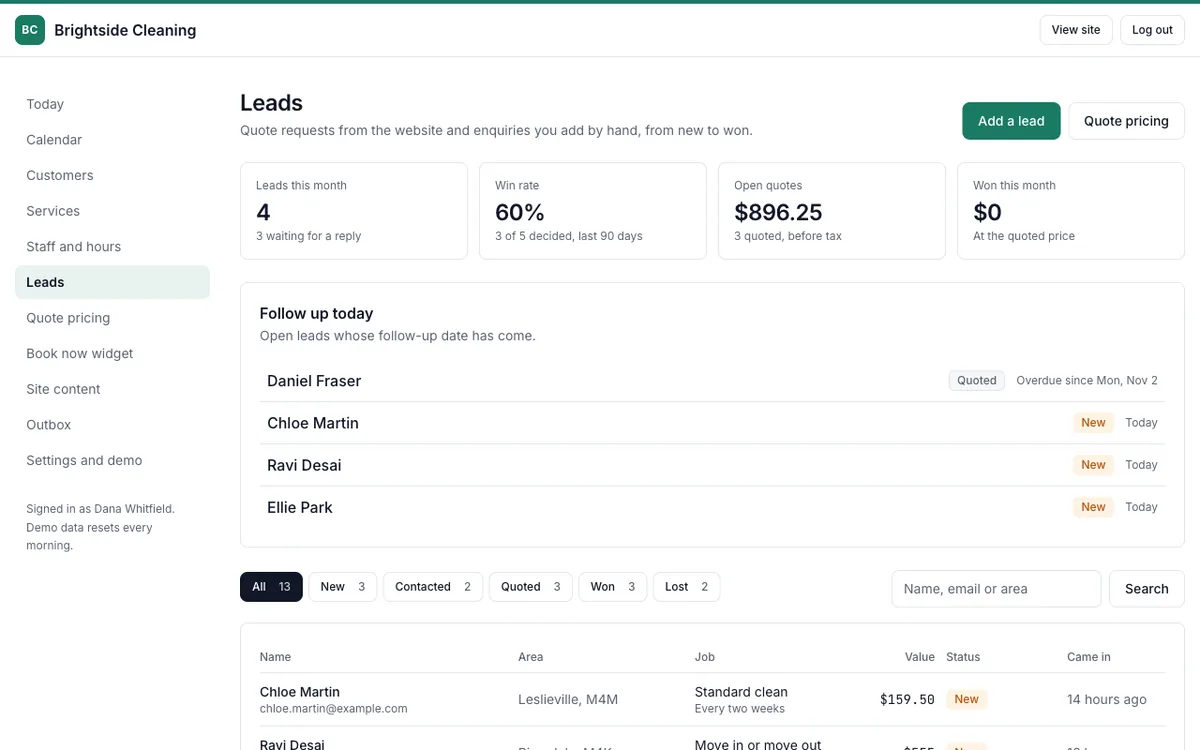
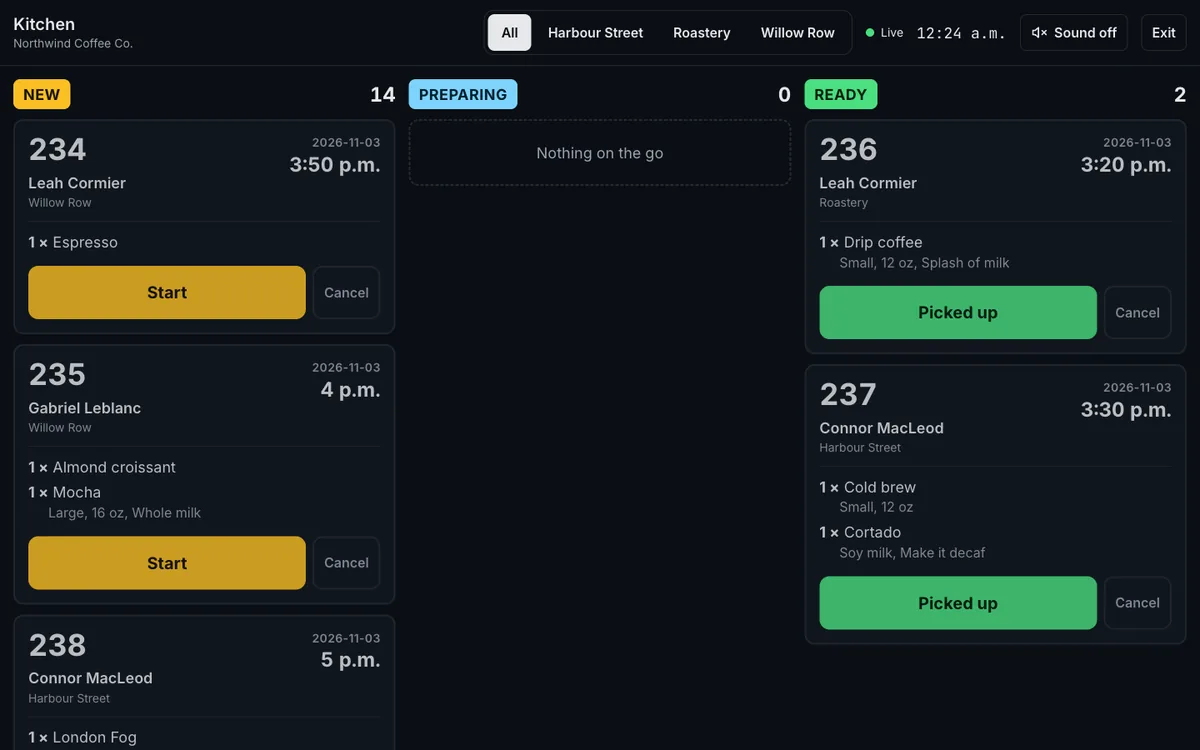
A barbershop, a physio clinic, a vet, a café and a cleaning company each got a website their customers use and an admin the owner runs the business from. These are the five owner dashboards I built, each shaped around how that business actually works. The businesses are fictional, with sample data.
Problem
Small-business owners run the day from paper books, a phone that keeps ringing and a pile of texts. Bookings, orders and quote requests arrive in different places, reminders depend on someone remembering, and changing a price on the website means waiting on a developer.
What an owner dashboard does
- Today at a glance. The first screen after logging in: bookings or orders for the day, what's still to come, booked value, who's next, and the latest messages.
- A calendar. The day by staff member, with new bookings added by the owner in a few taps.
- Customers. Every customer with their bookings and every message they were sent.
- One outbox for every message. Confirmations, reminders, "ready for pickup" notes and replies, by email and by text, so there's always a record of what went out.
- Edit it yourself. Services and prices, opening hours, staff hours, the café menu or the cleaning price list, and the text on the website.
- Leads. Quote requests tracked from new to won, with follow-up dates so none go cold.
How it helps your business
- Less time on the phone, because customers book, order and request quotes online and the details land in the admin.
- Nothing slips. Reminders and follow-ups go out on their own, and the owner can see what's still to do.
- Changes in minutes. A new price, a sold-out item or holiday hours go live without a developer.
- Works from a phone. The admin is fast on a small screen, so the owner can check the day between customers.
How they're built
- Each business has its own login at its own address, and a session for one business never opens another's admin.
- Server-rendered pages and plain forms, so the admin is quick on a phone and needs very little JavaScript.
- Every change is checked on the server and scoped to the logged-in business.
- Automated tests cover logins, bookings, reminders, kitchen order steps and the lead pipeline.